You Hit 12 Testers and Still Got Rejected. Here Is Why.
By Luis Krin, Founder, IndieAppCircle
Updated
Rules checked against Google's help page on Sep 28, 2026
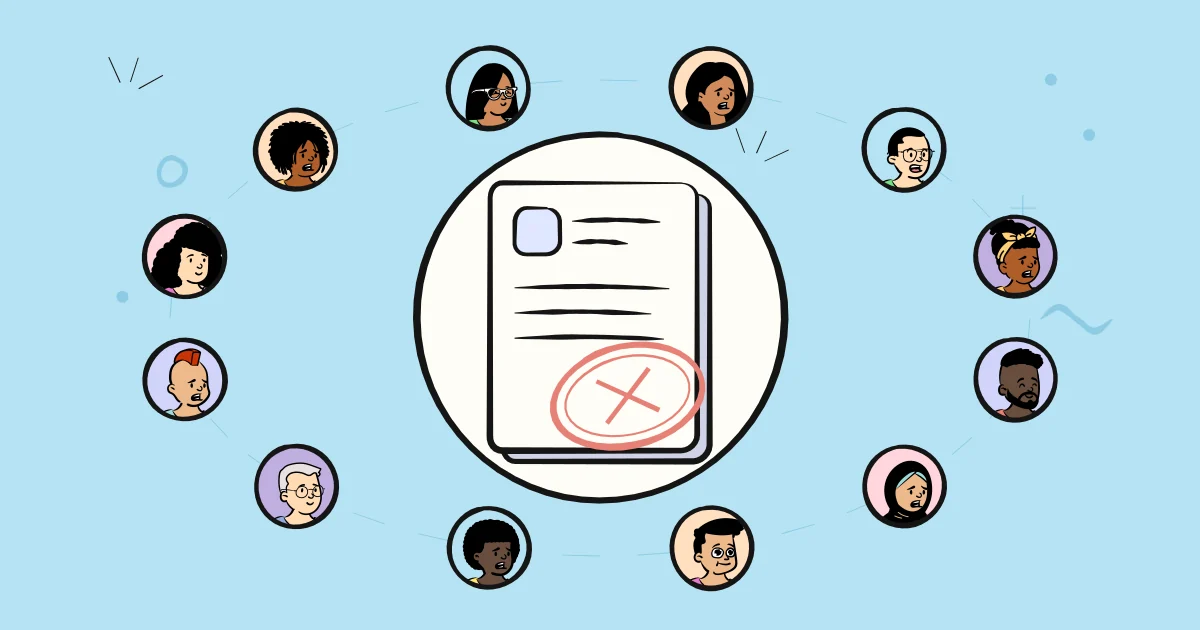
You recruited your testers. You waited the two weeks. You applied for production access, and Google told you to keep testing. This is one of the most demoralising moments in shipping an Android app, partly because the rejection message rarely explains what was actually wrong.
The short version: the tester count makes you eligible to apply, but it is not what the review is judging. This guide covers what the different rejection messages usually mean, why engagement matters more than the number, and how to rebuild the test so the second attempt passes.
First, check the boring explanation
Before assuming the review was subjective, verify the mechanical requirement, because this is the most common cause and the easiest to miss.
You need 12 testers opted in continuously for 14 days. If three people uninstalled your app in week two, your continuous count dropped below the minimum and the requirement was never met, no matter what the dashboard showed on the day you applied. Google is explicit that a tester who opts out and rejoins has to complete 14 consecutive days from the new start.
So the first thing to check is not your app. It is whether your opted-in count held at 12 or more for every one of those 14 days. If it dipped, that alone explains the rejection, and the fix is simply to recruit a larger buffer and run it again. There is more detail on how the window works in our guide to the 12 testers, 14 days rule.
The real reason: your test did not look like a beta
If your count genuinely held, the problem is almost always engagement. When you apply for production access, Google asks you about your closed test, including whether your testers used all of the available app features and whether their usage matched what you would expect from real production users.
Read those questions carefully, because they tell you exactly what is being assessed. Not how many people installed the app. Whether the people who installed it behaved like users.
A test where twelve people installed the app, opened it once on day one, and never returned satisfies the arithmetic and fails the intent. It is also, unfortunately, what happens by default when you recruit testers who have no particular reason to care about your app.
Be careful with the numbers you read online
Search this topic and you will find confident claims about exact thresholds: a specific number of daily active testers, a minimum number of screens per session, a required count of written reviews. Google does not publish these. They are inferences, sometimes reasonable ones, presented as policy.
Treat them as a description of what a healthy beta looks like rather than a checklist you can satisfy mechanically. Optimising to hit an invented number is how you end up with a test that looks synthetic, which is the thing you are trying to avoid.
Your answers on the form are part of the review
The production access application asks you to describe the closed test, the app, and why you consider it production ready. These are not a formality. They are the main evidence the reviewer has about a test they did not watch.
Thin answers hurt you. “We tested the app for 14 days with 12 testers and it worked well” tells a reviewer nothing that the dashboard did not already show. Specific answers do the opposite:
- Which features testers exercised, and which ones they never reached
- Concrete problems that surfaced, such as a crash on a particular Android version
- What you changed as a result, and whether you shipped a build during the test
- How you collected feedback, and roughly what testers said
- Anything still known to be rough, and why it does not block production
Admitting a known issue reads as a developer who ran a real test. Claiming everything was perfect reads as a developer who ran a timer.
How to rebuild a test that passes
If you are starting a second attempt, change these things rather than repeating the first run with different people:
- Recruit 15 to 18, not 12. The buffer is what protects the continuous count against normal drop-off.
- Recruit people who own the problem. Testers who might plausibly use your app open it more than once. This single factor does more for engagement than any instruction you can write.
- Give people a reason to return. Ship at least one update mid-test and tell testers what changed. A test with no second visit is hard to describe as realistic usage.
- Direct people to specific flows. If a feature is never reached, it never gets tested, and you cannot claim coverage you did not get.
- Collect written feedback deliberately. You need something to quote on the form.
💡 Tip: Do not delete the failed test and start from zero if your testers are still opted in. Continuity is the scarce resource. Where you can, keep the existing testers, add more, and extend.
Rebuilding the test with IndieAppCircle testers
Every item on that list is easier with testers who build apps themselves. On IndieAppCircle, the site you are reading, Android developers test each other's apps for credits, so you recruit from people who own real devices, know what a closed test is, and write down what they found.
- List the new round with your opt-in link as the app link, tagged Android, after testing a couple of apps yourself. A new listing goes live once you have submitted two tests.
- Put the two weeks and the flows in the instructions, and set a higher reward than a one-off test so staying opted in is worth it.
- Quote the reports on the form. Each write-up says which features the tester reached and what went wrong, which is what the "About your closed test" part of the application asks about.
What not to do after a rejection
The rejection is the moment when buying a block of testers becomes tempting. It is also the moment it is most dangerous, because a test that already looked thin does not get more convincing when the second attempt is made of accounts that share device fingerprints and never open the app. The downside is not another rejection, it is account termination. That trade-off is covered in buying Google Play testers vs getting real ones.
Final thoughts
A rejection after 14 days is frustrating, but it is usually specific and fixable: either the continuous count slipped, or the test did not produce evidence of real usage. Both have the same underlying cause, which is recruiting testers who have no reason to care about the app, and both have the same fix.
If your second attempt needs testers who will actually open the app more than once, you can find other Android developers for your Google Play closed test on IndieAppCircle. Everyone there is testing each other's apps, so the feedback tends to be written rather than silent, which is exactly the evidence a production access application needs. The same reports help beyond the application: they are also the best feedback on your Android app you will get before launch.